Efficient Document Control with Reading View in Word
Reading View in Word for the Web increases efficiency of document control with Microsoft 365–the advantages over PDF in quality management
Portable Document Files (PDF) in document control
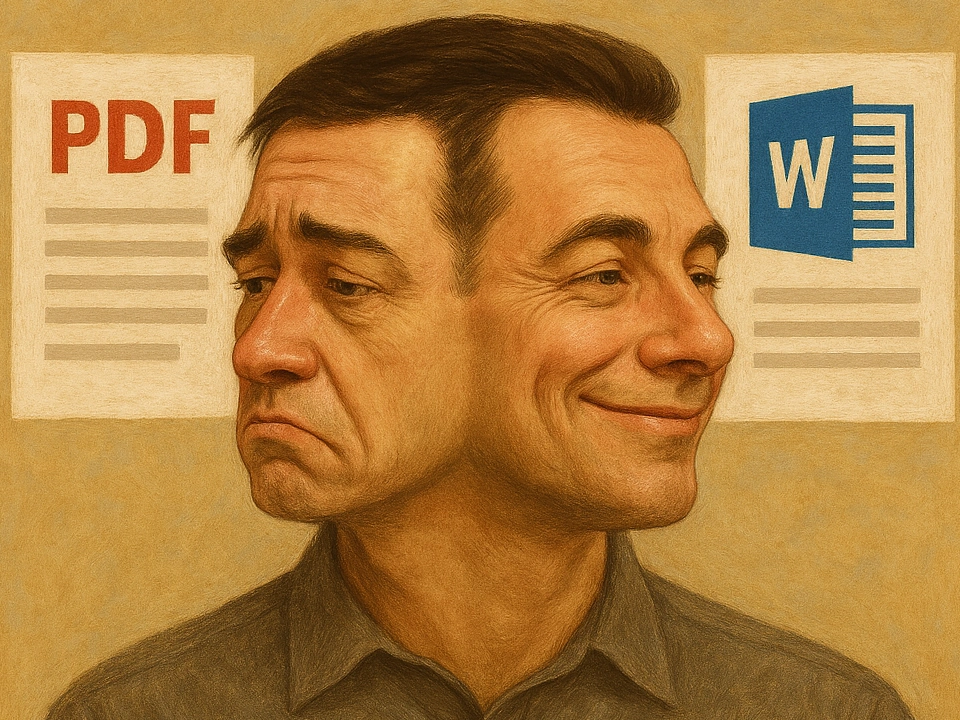
In companies, quality management is rarely associated with reducing bureaucracy. There is often a certain amount of effort for documentation, i.e. the maintenance of the documented information for quality management. Sometimes, it is also due to old habits, not so much because it would not be possible otherwise. One example is the misconception that an approval workflow is required for all quality management documents. Further effort is generated by the habit of converting documents into Portable Document Files (PDF) for “finalization”.
What benefits do Microsoft 365 users hope to gain from converting a Word document to a PDF? Often immutability is associated with a PDF, and the PDF is easier to pass on. This may be true when passing on to customers, but what about internally or when working with suppliers? Internally, all colleagues with group memberships probably have controlled access to relevant information. Suppliers can also access the necessary documents directly in the role of Microsoft 365 guest users.
Is it necessary to convert Word documents to PDF? Consider the alternative.
View documents in Word for the Web Reading View
Word desktop app offers “Read Mode” and in Word for the Web (Word Online in the browser) it is named “Reading View”.
People in your own company and external parties only need a modern browser. An Office installation or even a Windows PC is not required to view Word documents in Reading View.
What are the features of Reading View in Word for the Web?
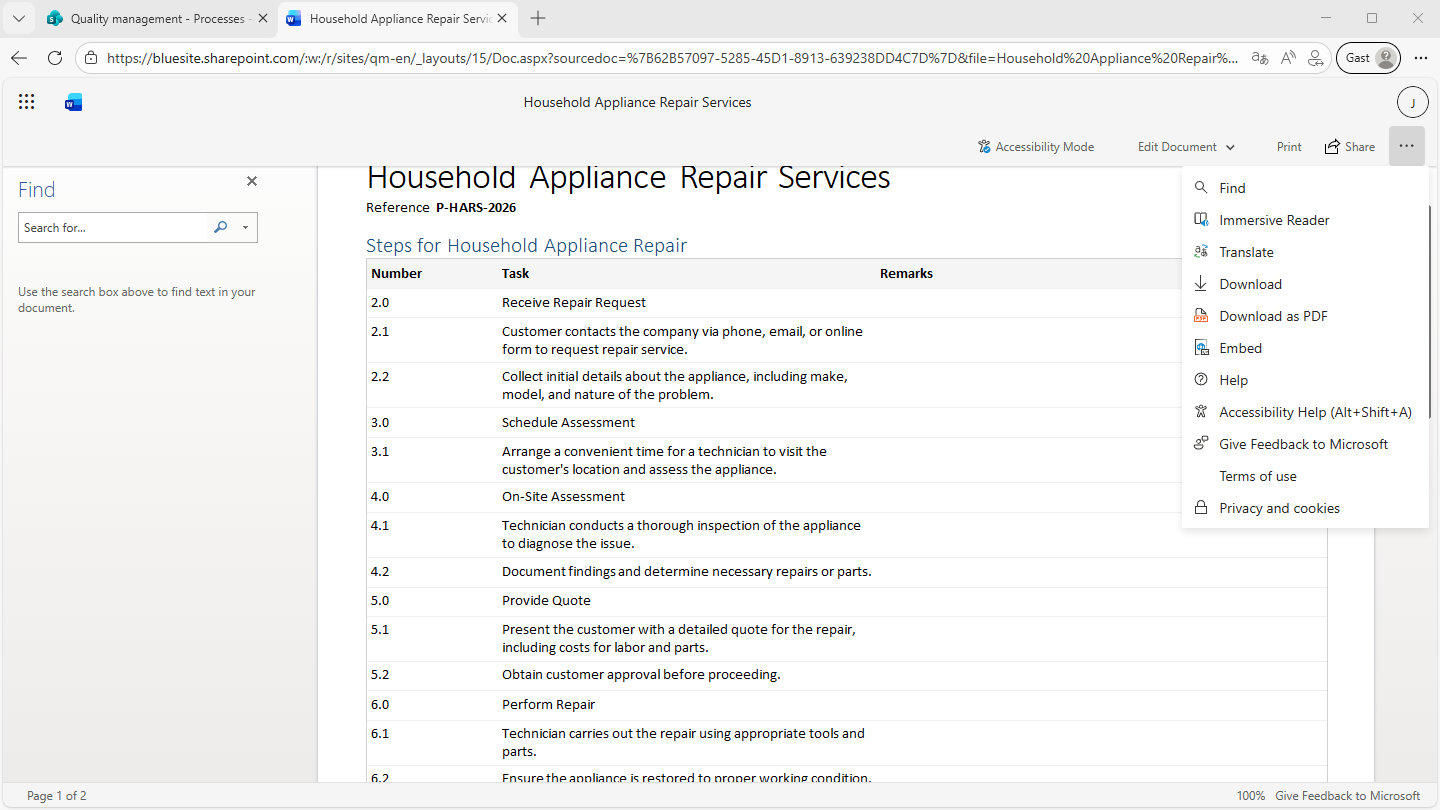
Microsoft 365 automatically opens documents in Reading View if the person is only allowed to read the document. This applies to all employees who are website visitors to the Quality Management Website. In addition to viewing, this view offers full-text search, language translation, printing and downloading.
What is the disadvantage of Reading View compared to PDF?
One weakness is the lack of a table of contents, as offered by PDF viewers. For large documents, such as audit reports, you should add a table of contents.
What's the advantage of having no PDF conversion?
With “Reading View” in Word for the Web or Word desktop app “Read Mode”, you can give employees instant access to up-to-date standard operation procedures (SOP), rules, process descriptions, and more. There is no need to convert documents to Portable Document Files (PDF). This simplifies the control of the documents in your Quality Management System with Microsoft 365. It makes documentation a little easier for you.
Learn more
What is the "Immersive Reader" in Reading View?
In addition to Reading View, Microsoft also offers “Immersive Reader” for Excel, PowerPoint, Word and others. The "Immersive Reader" supports you in intensively grasping and understanding content: You can Adjust text size, spacing, colors and more, and even have the text read aloud to you. Don't confuse “Immersive Reader” with “Reading View” or “Read View”.