Start your SharePoint quality management site in minutes with a QMS template
Create a SharePoint quality management site in minutes using the renewed Build experience and the SharePoint QMS template in Microsoft 365.
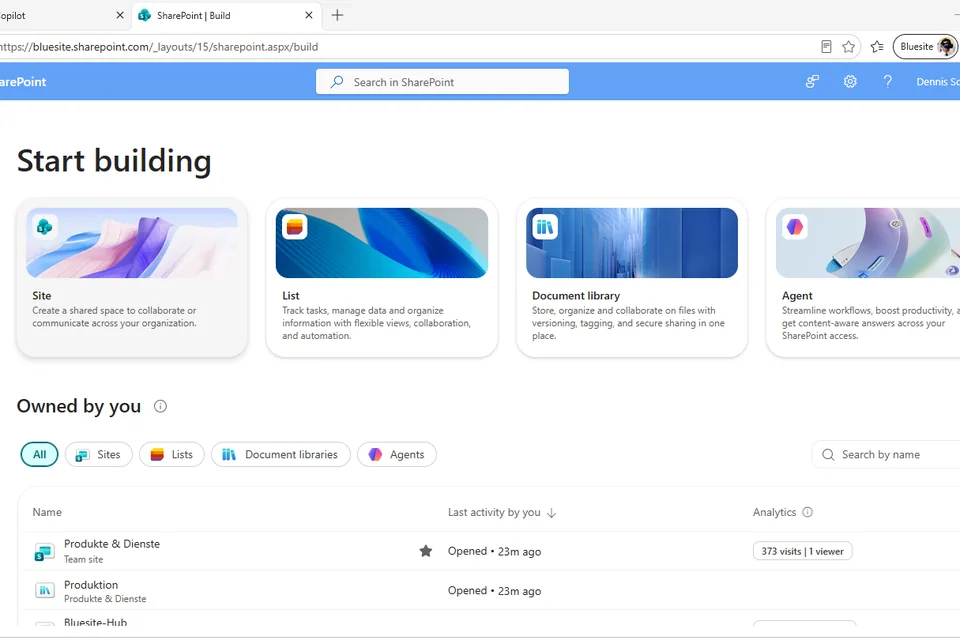
If you already use Microsoft 365 Business Standard or Business Premium, you do not need to start your ISO 9001 quality management system from scratch. The renewed SharePoint experience introduced by Microsoft in June 2026 makes it easier for business users, quality managers, and consultants to create a structured quality management site without deep IT administration skills.
The new Build area in SharePoint gives you a guided starting point for creating sites, lists, and document libraries. For small and medium-sized businesses, this is a practical opportunity to turn Microsoft 365 into a simple, scalable foundation for quality management.
In this article, you will see how quickly you can start a SharePoint quality management site and where the SharePoint QMS template fits into the process.
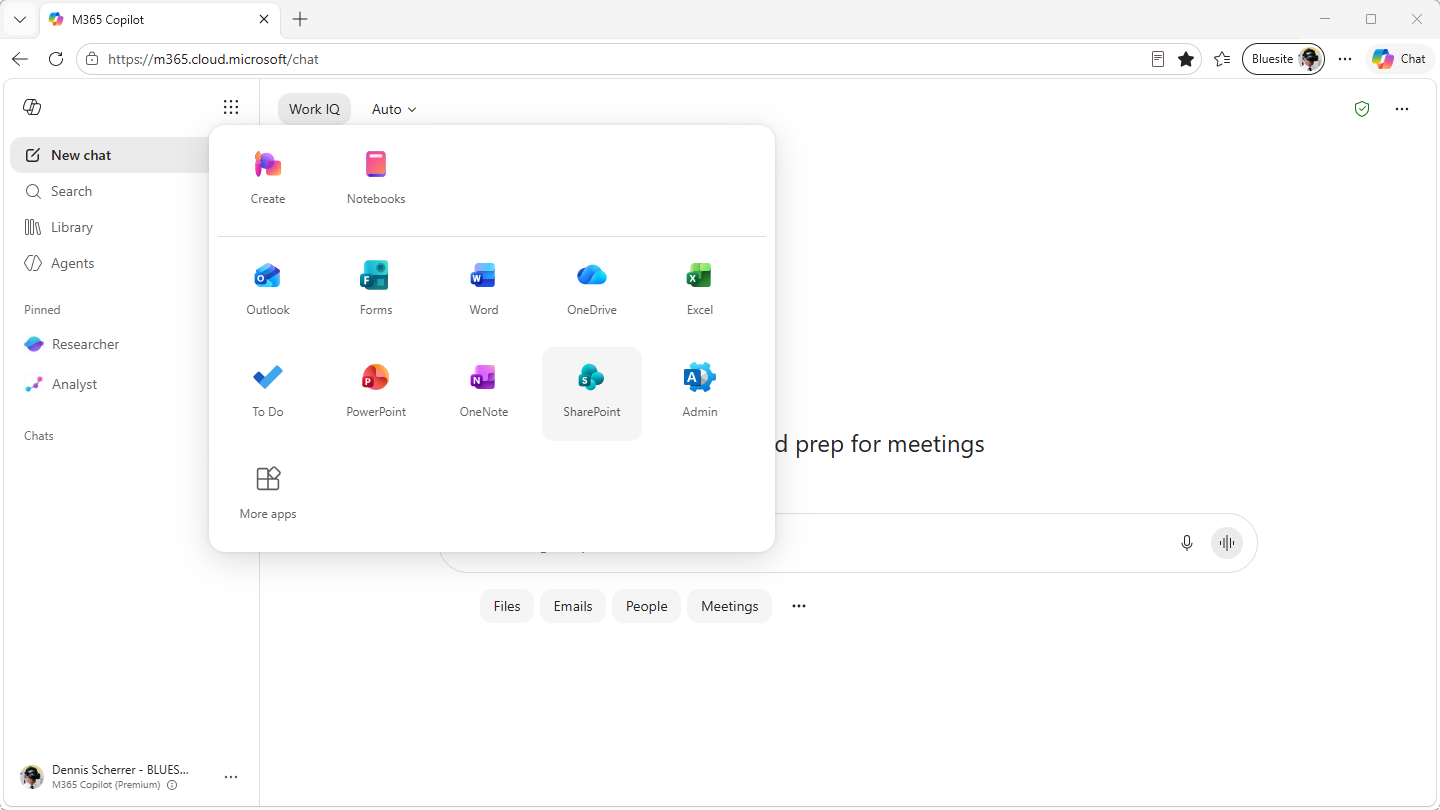
Step 1: Open SharePoint from Microsoft 365
Go to m365.cloud.microsoft, click on Apps and more, and then click on SharePoint.
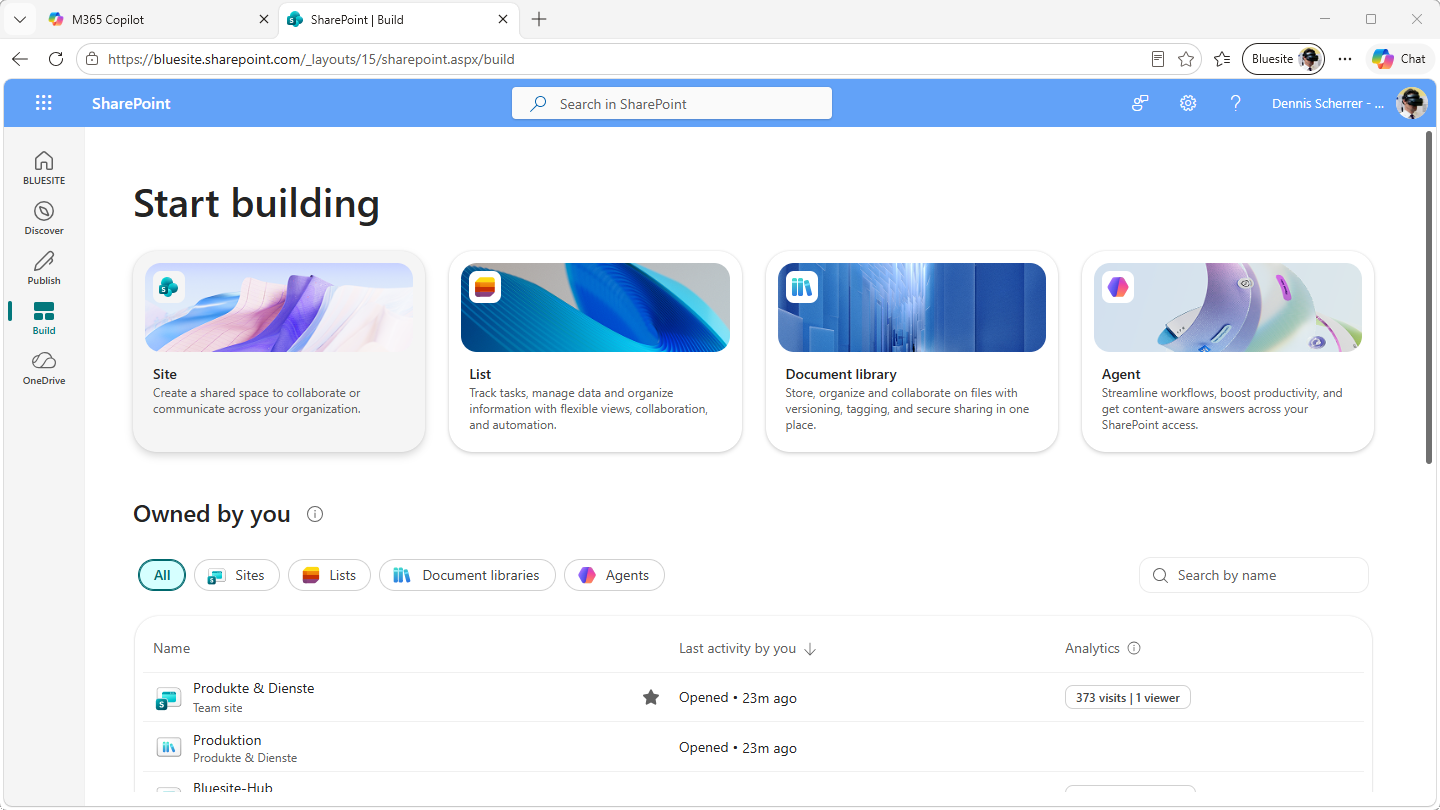
Step 2: Start building a new site
On the left, click on Build and then, under Start building, click on Site.
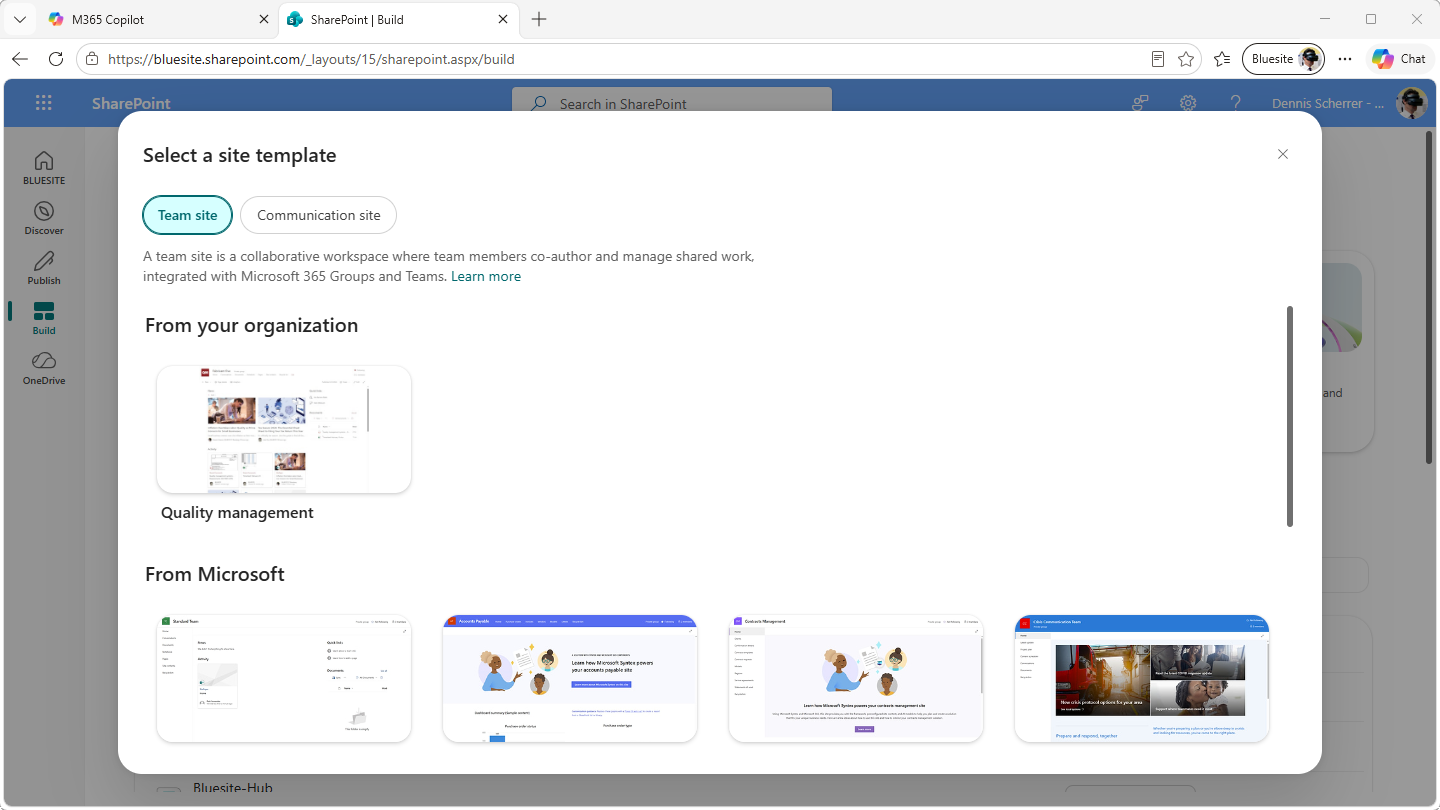
Step 3: Select the quality management template
Under Select a site template, go to From your organization and choose Quality management. If the template is not available yet, download the SharePoint QMS template first and make it available in your Microsoft 365 environment.
Download the SharePoint QMS template now and use it as the starting point for your quality management site.
Step 4: Apply the template
In the lower right corner, click on Use template.
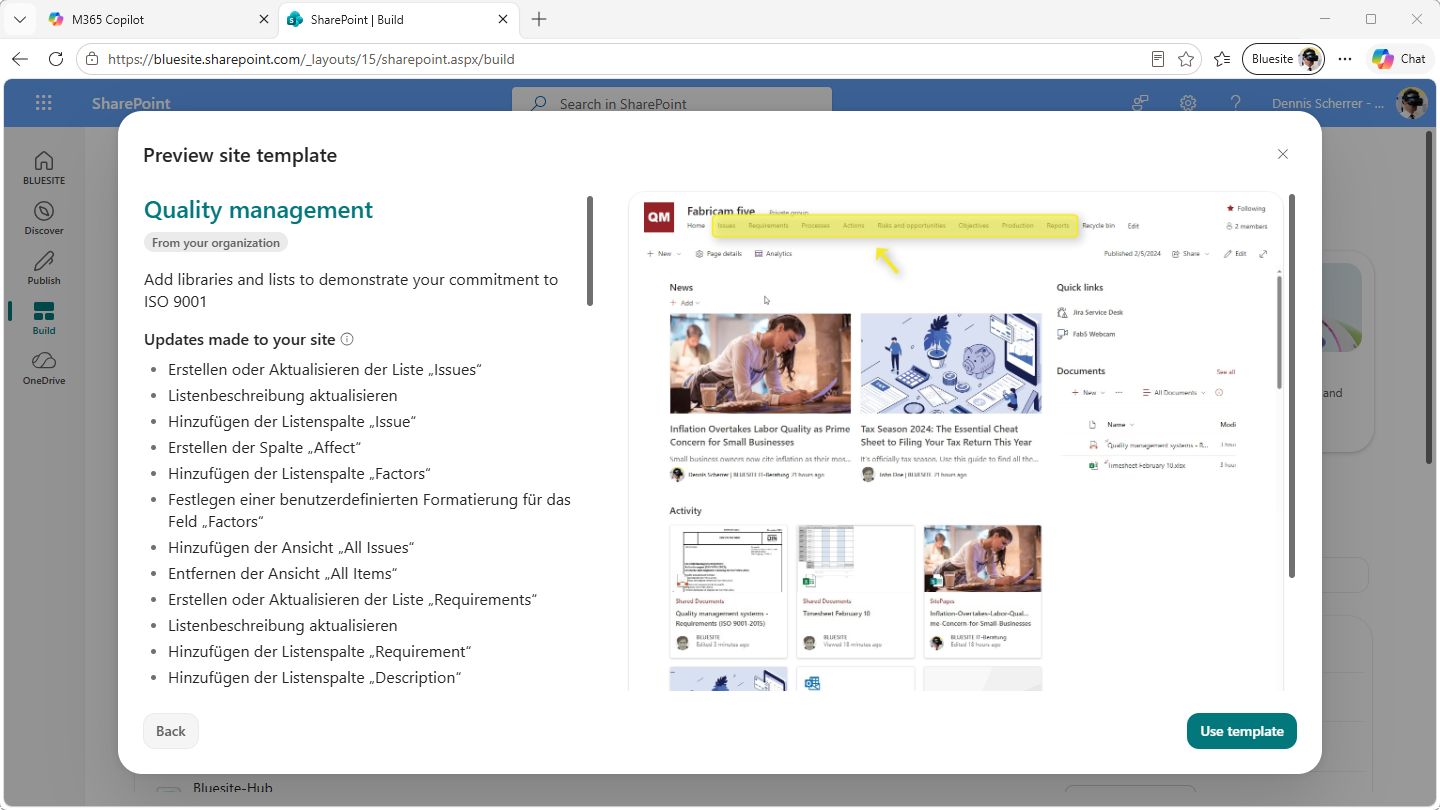
Step 5: Create your quality management site
Fill out the form and, in the lower right corner, click Create site.
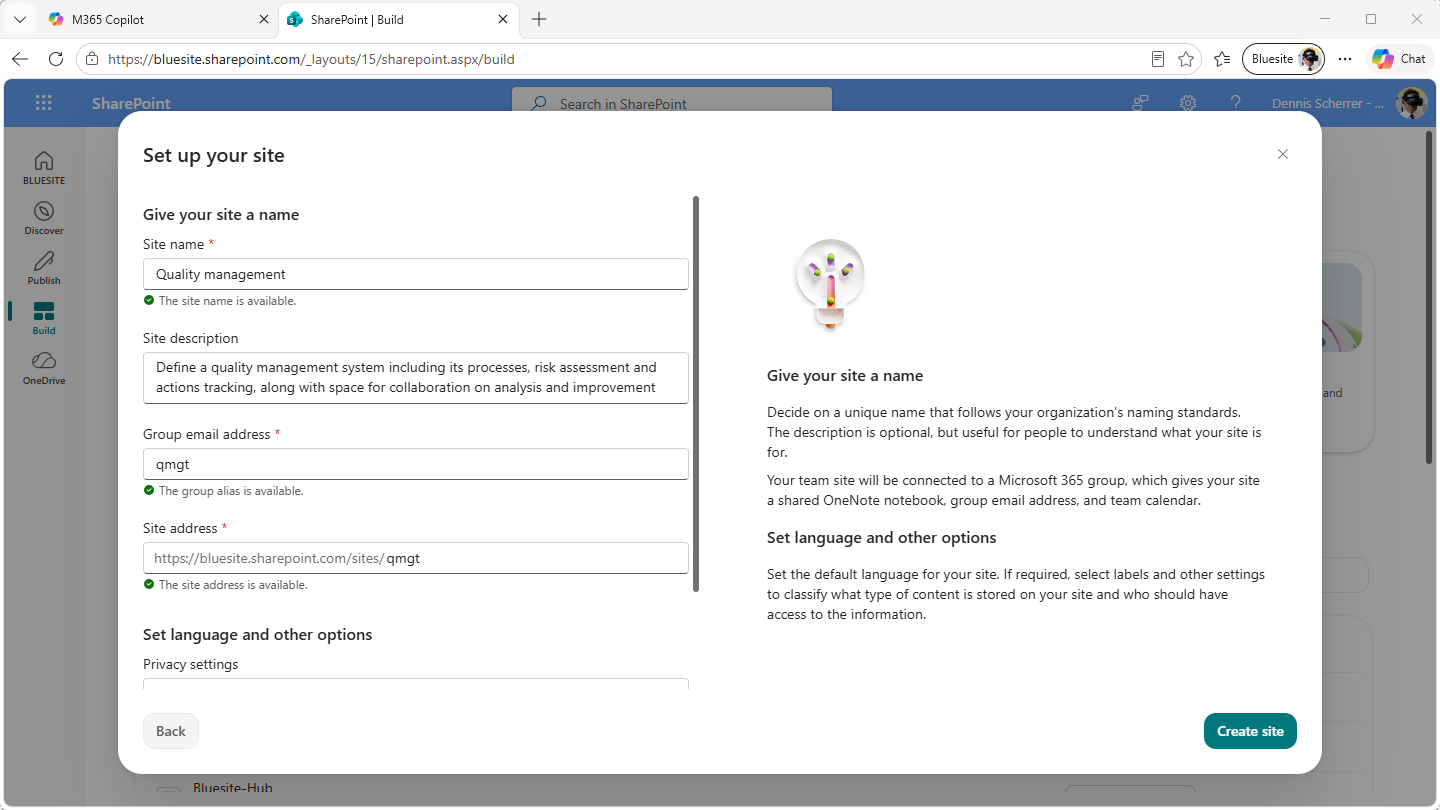
Step 6: Invite your team and go to your site
Once your quality management site is ready, you can add members and click Go to site.
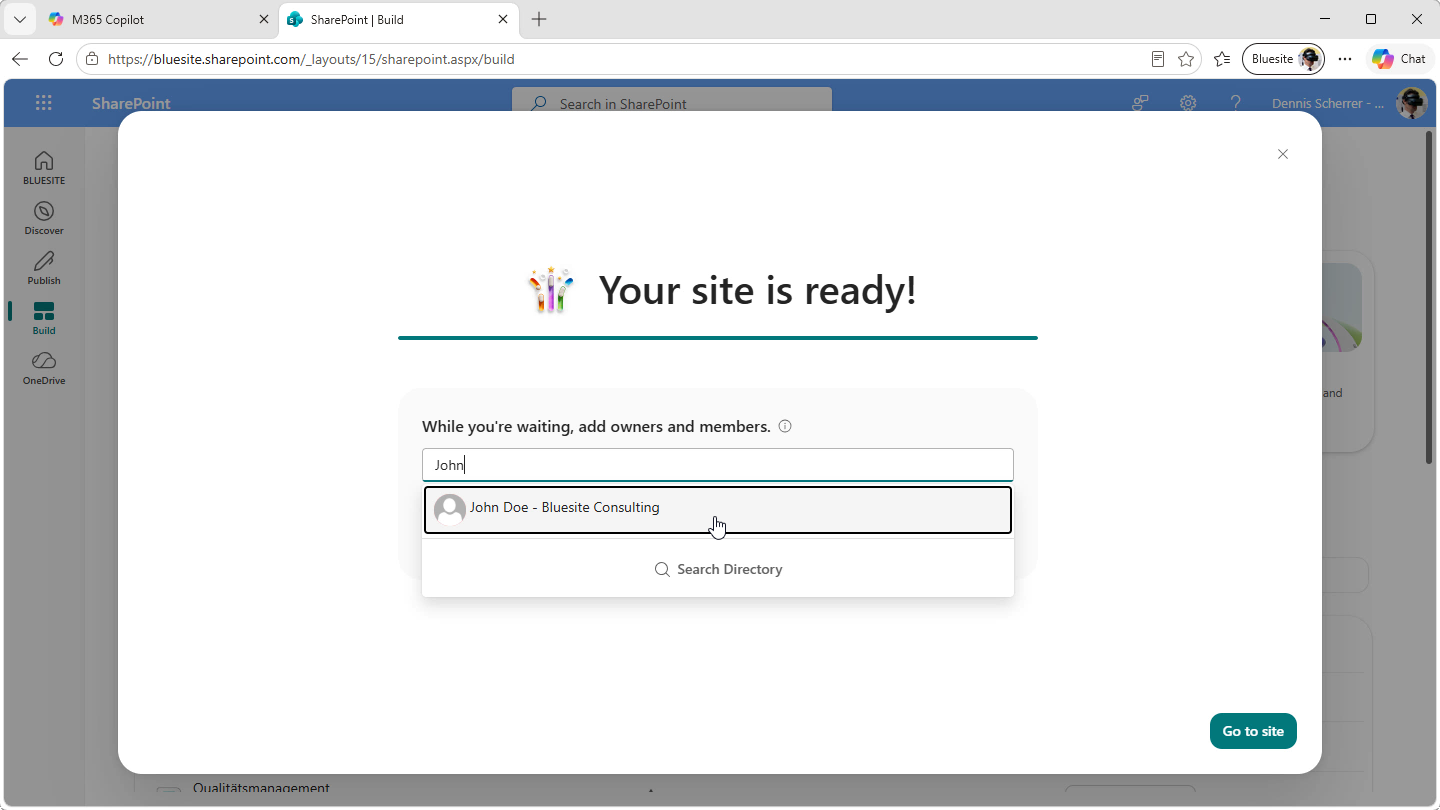
Further reading
Once the basic site has been created, the next question is how much guidance you want for the setup, structure, and day-to-day use of your quality management system in Microsoft 365.
For an overview of a complete implementation, see the SharePoint Quality Management Team Site in M365. This resource is useful if you want to understand how a finished SharePoint-based QMS site can be structured for quality documents, processes, responsibilities, and collaboration.
If you want to set up the site yourself, continue with the SharePoint Quality Management System Setup Guide. The guide walks you through the configuration step by step. To get a quick impression of the workflow before you start, you can also watch the On-Screen Guides from Bluesite Consulting.